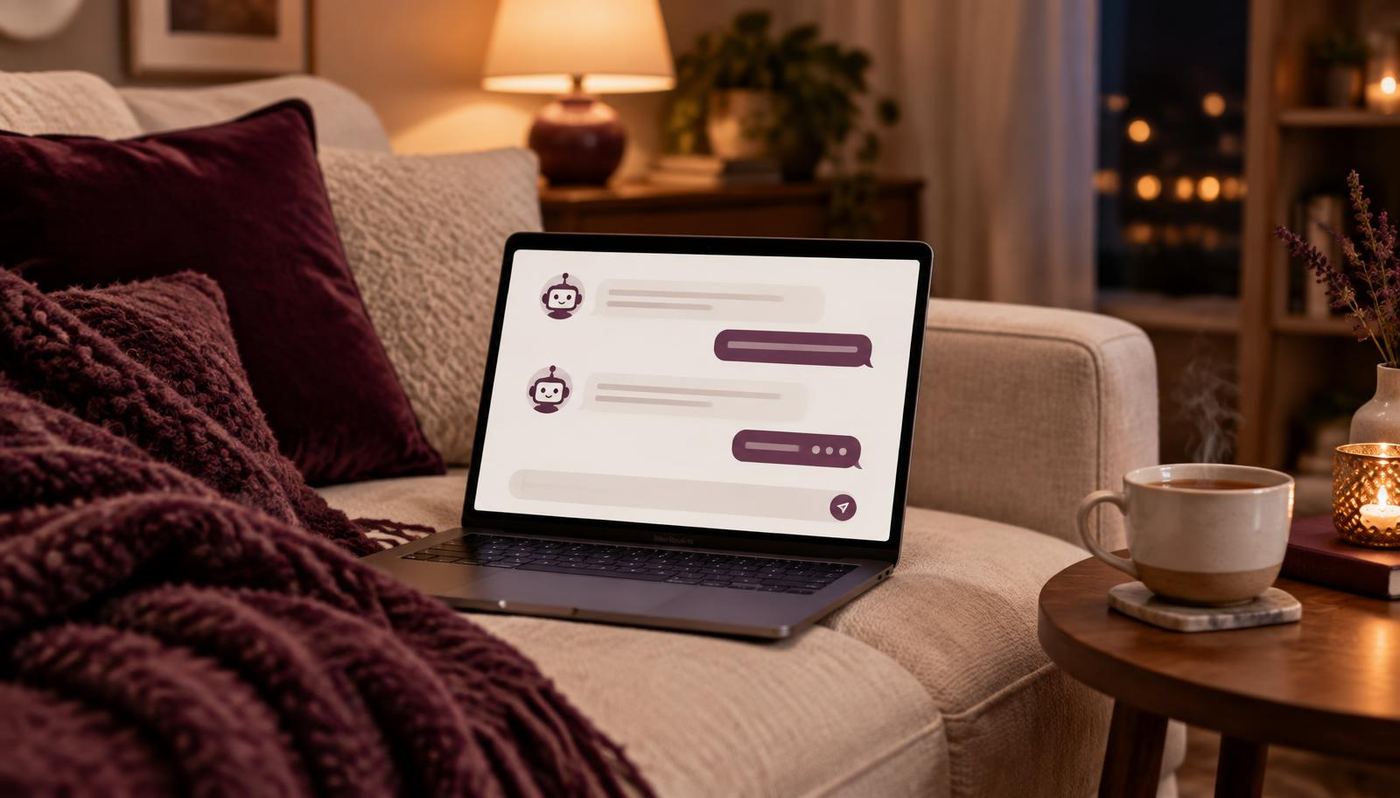
It's 10 p.m. on a Tuesday. Someone is curled up on their couch after a long day, scrolling on their phone, and they land on your website. They've been sleeping badly for weeks and a friend mentioned your work. They have questions. Does this help with sleep? What should I wear? Is there parking? Do you have anything open this week?
Your office is closed. You're (hopefully) asleep, or at least off the clock. So they close the tab, tell themselves they'll call tomorrow, and by tomorrow life has swallowed the idea whole.
That quiet, invisible moment happens more often than most practitioners realize. And it's exactly the moment an AI chatbot on your website can help with, if it's set up the right way.
Let's talk honestly about what that looks like, what it doesn't look like, and how to decide whether it's right for your practice.
What an AI Chatbot Actually Is (in Plain Language)
If you've ever been stuck in a loop with a clunky website bot that only understood 3 phrases, I get the hesitation. Older chatbots worked from rigid scripts. If you didn't click the exact right button, you were stuck.
Today's AI chatbots work differently. You give them information about your business, like your services, pricing, policies, FAQs, and what a first visit looks like, and they use that information to answer questions in natural, conversational language.
Think of it less like a robot and more like a well-trained front desk assistant who has read your entire website, memorized your FAQ, and never needs a lunch break.
The 10 P.M. Questions (and How a Chatbot Can Answer Them)
Most of the questions your future clients have are the same ones you've answered a hundred times. Here's what that looks like in real life.
| What Your Future Client Wonders | What a Well-Trained Chatbot Can Do |
|---|---|
| "What should I wear to my first session?" | Share your exact prep guidance |
| "Is there parking?" | Give directions and parking details |
| "How long is a first appointment?" | Explain timing and what to expect |
| "How much does it cost?" | Share your pricing or starting prices |
| "Do you have anything open this week?" | Link directly to your booking calendar |
| "Can I buy a gift card?" | Point them to the right page |
| "What's your cancellation policy?" | Explain it clearly and kindly |
| "Is this right for me?" | Share general info and invite them to connect with you personally |
Notice that last row. That's an important one, and we'll come back to it.
What an AI Chatbot Does Really Well
When it's set up thoughtfully, a chatbot can quietly take a lot off your plate.
- It answers instantly. Nobody has to wait until morning for a simple answer.
- It never gets tired of repeat questions. Parking, pricing, and "what do I wear" can live on autopilot.
- It guides people to book. The chatbot can hand over your booking link right when someone's ready.
- It collects contact information. If someone isn't ready to book, it can invite them to join your email list or grab a helpful freebie.
What an AI Chatbot Should Never Do
This is where I want to be really clear, because heart-centered businesses run on trust.
Your chatbot should not:
- Give health advice or make claims about outcomes. It can share general information about your services, but anything personal should go to you.
- Pretend to be you or a real person. Be upfront that it's an assistant. People appreciate honesty far more than a convincing imitation.
- Collect sensitive health information. Keep chat conversations to logistics and general questions. Private details belong in your secure intake forms, and privacy rules vary depending on where you practice, so check what applies to you.
- Trap people in a loop. There should always be an easy way to reach a human.
A chatbot is a helpful assistant. It isn't a replacement for the care, intuition, and presence you bring to your work.
The Honest Truth: Most People Still Want a Human
Here's something worth knowing before you add any chatbot to your site. In a recent survey reported by Forbes, around 79% of customers said they'd rather interact with a person than a chatbot, and many reported frustrating experiences with AI help in the past.
That might sound like a reason to skip chatbots entirely. I see it differently. It's a reason to use one the right way.
The frustration usually comes from bots that are poorly trained, impossible to escape, or trying to handle things they shouldn't. The fix is simple:
- Train it thoroughly on your real information
- Keep it focused on logistics and common questions
- Make it easy to reach you directly
- Let it gently hand off anything personal
When a chatbot handles the small stuff well, it actually frees you up to be more present for the conversations that matter.
How to Make Your Chatbot Sound Like You
Your clients choose you for your warmth. Your chatbot should feel like an extension of that, not a cold corporate greeter.
Here's what that looks like in practice.
A generic greeting sounds like this:
- "Hello. How may I assist you today?"
An on-brand greeting sounds more like this:
- "Hi! I'm the assistant for [Your Practice]. I can help with questions about sessions, pricing, parking, or booking. And if you'd like to talk to [Your Name] directly, I can make that happen too."
A few tips to keep it feeling human:
- Use your real words. Pull phrases from your website, emails, and how you talk to clients.
- Keep answers short and warm. Nobody wants a wall of text in a chat window.
- Match your personality. Gentle, grounded, playful, whatever feels like you.
- End with a helpful next step. A booking link, a page to read, or an invitation to connect.
Using an AI Chatbot for Lead Generation (Without Being Pushy)
One of the most useful things a chatbot can do is keep a curious visitor from slipping away. Not everyone who visits your website at 10 p.m. is ready to book. But many of them would happily stay connected.
Here are a few gentle ways a chatbot can help with that:
- Offer a helpful freebie. A checklist, guide, or planner that relates to what they're looking for.
- Invite them to your email list. So they can keep hearing from you and get to know your approach.
- Share your booking link at the right moment. Only when the conversation naturally leads there.
- Offer a personal follow-up. "Would you like [Your Name] to reach out to you directly?"
The goal isn't to trap anyone. It's to make sure someone who's interested has an easy way to take the next step, whenever they're ready.
A chatbot is only as good as the information you give it. Most frustrating chatbot experiences come from bots trained on a thin FAQ page. The more complete and accurate your information, the more helpful (and human) your chatbot will feel.
What It Looks Like in Real Life
Picture a massage therapist who works alone, sees clients 4 days a week, and spends their lunch breaks answering the same 5 messages. Now picture the same practice with a well-trained chatbot.
At 10:14 p.m., a visitor asks whether a first massage is okay after a recent sports injury. The chatbot shares general information about the services offered, explains that it can't give advice about a specific injury, and offers to have the therapist follow up personally. The visitor leaves their email.
At 10:31 p.m., another visitor asks about parking and gift cards. The chatbot answers both in a few seconds and links to the gift card page. A $90 gift card sells before midnight.
Nothing about that is flashy. It's just a practice that stays helpful after the lights go off, while the person behind it gets to rest, recharge, and show up fully for the clients on their table the next day.
Common Worries (and Honest Answers)
"Will it say something wrong?"
It can, especially if it's trained on thin information. That's why testing and monthly reviews matter. Start narrow and expand as you gain confidence.
"Will my clients think I'm cutting corners?"
Not if you're upfront about it and make reaching you easy. Most people appreciate a quick answer to a simple question.
"Is this too techy for me?"
You don't need to understand how the AI works. You need clear information about your business and someone to help set it up the first time. After that, keeping it current is usually as simple as updating a document when your hours or prices change.
What Does an AI Chatbot Cost?
Pricing varies a lot depending on the platform and how many conversations you have. Based on current 2026 pricing comparisons for small businesses:
| Level | Typical Monthly Cost | Good For |
|---|---|---|
| Entry-Level | About $29 to $40 | Solo practitioners with modest website traffic |
| Mid-Range | About $59 to $150 | Busier practices or multiple providers |
| Higher Volume | $150 to $500+ | Larger businesses with lots of daily conversations |
A few things to watch for:
- Pay-per-conversation pricing can get unpredictable as your traffic grows.
- Add-on fees sometimes make the real price higher than the advertised one.
- Lower-tier plans don't always include an easy handoff to a human, which is a must.
Setup is its own consideration. Training the chatbot well, writing it in your voice, and connecting it to your booking and email tools takes time, and that's where many owners choose to get help.
Is an AI Chatbot Right for Your Practice?
Not every business needs one right away. Here's a quick way to tell.
It might be a great fit if:
- You answer the same questions over and over
- You get website visitors but fewer bookings than you'd expect
- People often reach out after hours
- You don't have a front desk or assistant
- You already have clear information about your services, pricing, and policies
It might be worth waiting if:
- Your website messaging still feels unclear
- You haven't nailed down your pricing or policies
- You barely get website traffic yet
If you're in the second group, that's okay. It just means the foundation comes first. A chatbot can't fix a confusing website. It can only help a clear one work harder.
How to Get Started
If you're ready to try it, here's a simple path:
- Gather your information. Services, pricing, FAQs, policies, prep instructions, and parking details.
- Choose a platform that includes easy human handoff and fits your budget.
- Train it in your voice using your real language and tone.
- Connect it to your booking link and email list.
- Test it yourself. Ask it the weirdest questions you can think of and see how it responds.
Let's Build One That Sounds Like You
You didn't build your practice to spend your evenings answering parking questions. And your future clients shouldn't have to wait until morning to feel confident booking with you.
If you'd like help setting up an AI chatbot that's warm, honest, and actually sounds like you, Future Focused Marketing can help you plan and build it the right way. Book a Free Strategy Session and we'll talk through whether a chatbot makes sense for your practice right now, and what would need to be in place first.
Visit futurefocusedbusiness.com to get started.
Here's to growth that feels good,
Haley
Future Focused Marketing